
Why AI-Generated Code Still Needs a Developer’s Touch


AI tools like ChatGPT, GitHub Copilot, and CodeWhisperer are transforming how we build software. In seconds, they can generate everything from a React component to a RESTful API. For startup founders and dev teams under pressure, it seems like a dream come true.
These tools are being embraced for:
Speed: They produce code in seconds.
Cost efficiency: Less need for writing boilerplate or simple logic manually.
Accessibility: Non-developers feel empowered to "build" prototypes or apps.
But here’s the truth: AI can write code, but it can’t build software—at least not the kind that’s scalable, secure, and production-ready. And that’s where a developer’s touch becomes indispensable.
What AI Code Generators Do Well
Let’s start by recognizing the value AI brings:
Faster prototyping – AI quickly generates boilerplate code and basic logic.
Reduced syntax errors – It catches common typos and closes brackets faster than humans.
Learning assistant – Junior developers benefit from quick examples and suggestions.
Test generation – AI can help draft simple unit tests or documentation.
In short, AI is great for speed and convenience. But speed is not the same as quality, reliability, or long-term maintainability.
The Key Limitations of AI-Generated Code
Here’s where the story gets real. Despite its usefulness, AI-generated code has serious gaps.
1. Security Vulnerabilities
A 2023 study found that 29.5% of Python and 24.2% of JavaScript snippets generated by tools like Copilot had security weaknesses across multiple categories (e.g., injection flaws, cryptographic misuses).
AI often suggests deprecated libraries or unsafe functions without warnings.
Input validation, encryption practices, and secure session handling are often ignored.
Imagine pushing that code into production without review—it’s a breach waiting to happen.
2. Lack of Context & Architecture Awareness
AI doesn’t understand your business logic, system architecture, or industry compliance needs.
It may suggest a function that works locally but breaks integration with other modules.
It can’t anticipate non-functional requirements like scalability, resilience, or high availability.
Unlike humans, AI doesn’t ask: “How does this code fit the bigger picture?”
3. Maintainability and Technical Debt
AI often generates verbose, redundant code.
It doesn’t always follow project-specific naming conventions, style guides, or best practices.
Over time, this clutters the codebase and creates technical debt that slows teams down.
4. Legal & Ethical Risks
AI tools are trained on massive open-source repositories. That means some snippets may include copyrighted or improperly licensed code.
Without oversight, companies risk unintentionally violating licenses or exposing themselves to legal liability.
5. Over-Reliance & Skill Erosion
Developers relying too heavily on AI may lose essential skills like debugging, algorithm design, or performance optimization.
AI can produce code that looks correct but is suboptimal or even harmful, and without expertise, developers might not catch it.
Common Pitfalls of Using AI-Generated Code

Here are some real-world traps businesses fall into:
Ignoring growth planning – AI writes code for today, not for the system you’ll need tomorrow.
Underestimating demand – Code may perform fine for 100 users but fail miserably under 10,000.
Short-term focus – Quick fixes from AI can lead to costly refactors later.
Neglecting security – Generated snippets often lack proper authentication and authorization checks.
Skipping code reviews – Teams mistakenly assume AI suggestions are production-ready.
Case Studies: The Good and the Bad
When Things Go Wrong
A fintech startup used AI to build user authentication modules. On the surface, everything worked. But six months later, a penetration test revealed major flaws in session handling and unencrypted data storage. Fixing the issue cost far more than doing it right from the start.
When Things Go Right
Another company used AI for front-end scaffolding and test generation. Senior developers reviewed the AI’s output, enforced coding standards, and refined performance. Result: delivery times improved without sacrificing quality.
Where Developers Make the Difference
So where exactly do human developers add irreplaceable value?
Code Review & Testing – Humans design test cases AI won’t anticipate, like edge cases and rare conditions.
Optimization & Performance – Developers spot inefficiencies
Security Audits – Humans ensure compliance with standards like GDPR, HIPAA, or PCI DSS.
Style & Documentation – Teams enforce conventions that make code maintainable.
Ethics & Licensing – Developers ensure code respects licenses and privacy laws.
Best Practices: Blending AI + Human Expertise
Here’s how businesses can make AI-generated code work without the risks:
1. Define AI Guidelines
Decide where AI is allowed (e.g., boilerplate, testing) and where it isn’t (e.g., encryption logic).
2. Keep Humans in the Loop
Require human review for every AI-generated commit.
3. Automate Checks
Use linters, vulnerability scanners, and CI/CD pipelines to flag risky AI code.
4. Use AI as an Assistant, Not a Replacement
Leverage AI for repetitive coding but leave critical architecture and business logic to humans.
5. Monitor & Retrain Models
Keep updating prompts and workflows so AI aligns with evolving project needs.

Risks & Trade-Offs
Speed vs. Quality – AI speeds up coding but may slow down debugging later.
Cost Overruns – Fixing AI’s mistakes can outweigh initial savings.
Compliance Risks – Licensing violations can lead to lawsuits.
Team Dynamics – Over-reliance on AI may frustrate skilled developers who end up cleaning up messy outputs.
The Future of AI Code Generation
Where is this heading?
Context-aware AI – Tools that understand entire projects, not just local snippets.
Compliance-first AI – Generators that flag license or security risks before suggesting code.
AI-assisted DevOps – Integration with CI/CD pipelines for real-time feedback.
Hybrid teams – Humans and AI agents collaborating seamlessly, each doing what they do best.
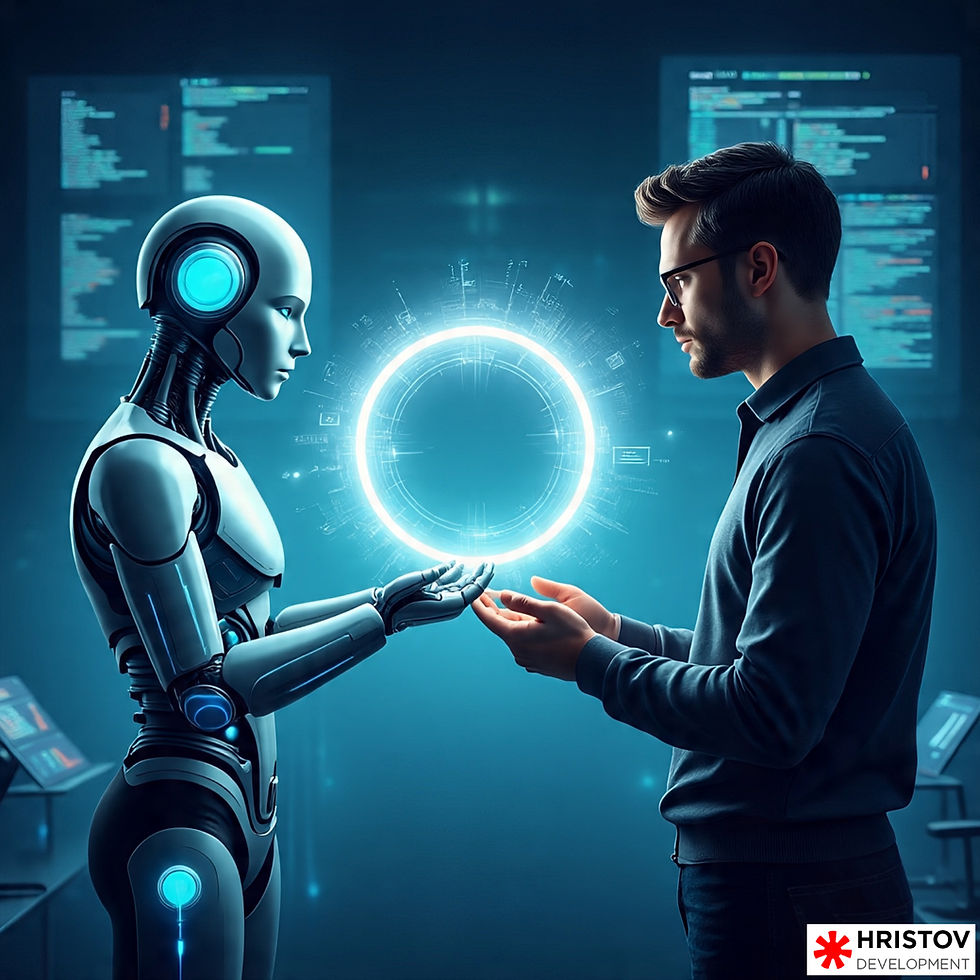
AI is an amazing co-pilot—but you still need a pilot. Smart teams use AI tools to:
Accelerate boilerplate code
Get quick suggestions or scaffolding
Reduce repetitive tasks
Experiment with syntax or logic patterns
Then, developers step in to refactor, test, validate, and integrate that code into the larger system. This is the winning formula: AI for speed, humans for strategy.

AI-generated code is a powerful accelerator—but without human oversight, it’s a liability. Developers ensure code is secure, maintainable, ethical, and aligned with business goals.
The future isn’t about replacing developers—it’s about augmenting them. The best results come from a partnership: AI for speed, humans for judgment.
Want to explore how AI and developers can work together to accelerate your projects safely?


Comments